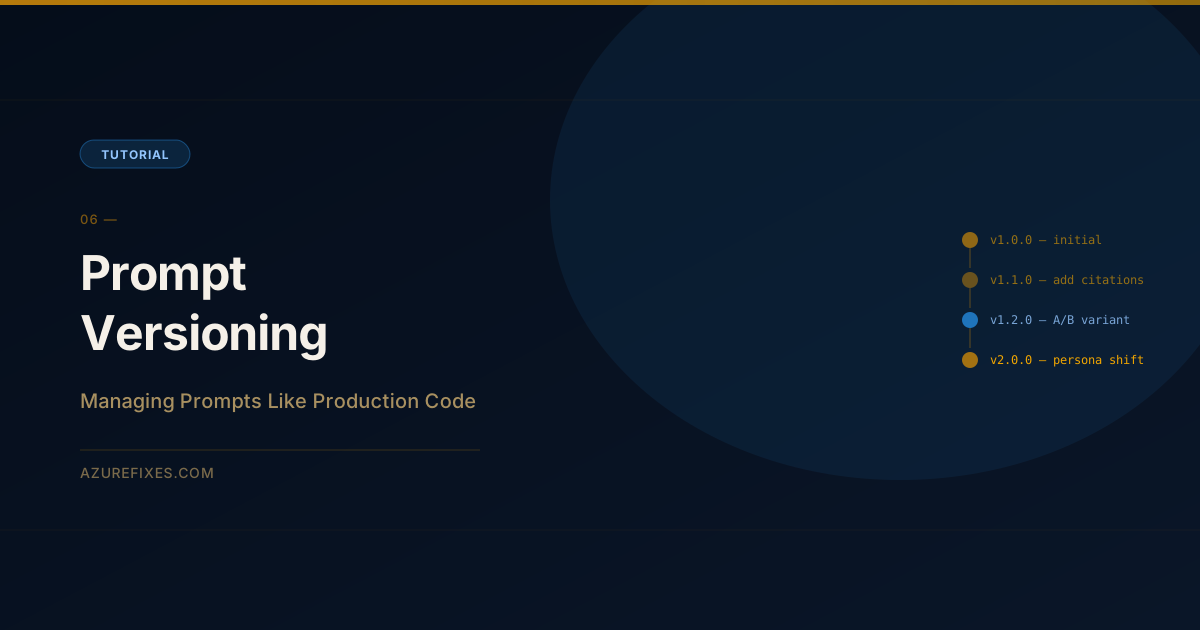
They determine how your AI system behaves. A one-word change can shift responses from correct to wrong, from safe to problematic, from helpful to verbose. And unlike application code, prompt changes are invisible to most observability systems.
Most teams treat prompts like config files — edit in production, hope for the best. Here's how to manage them properly.
Why Prompt Versioning Breaks Down
The typical path of prompt management:
Developer hardcodes prompt in Python file during prototyping
Prompt works, feature ships, prompt stays in code
Six months later, someone "just tweaks the wording" in a hot patch
AI quality degrades, nobody knows why because nothing was tracked
Team spends two weeks debugging before finding the prompt change
The problem isn't that prompts changed. The problem is that nobody can trace which change caused the quality drop, and there's no way to roll back to the version that was working.
Azure App Configuration: The Right Store for Prompts
Azure App Configuration is designed for dynamic configuration at scale. It supports:
Labels: tag configs as dev, staging, production
Key vault references: store API keys as references, not values
Versioning: every change creates a new snapshot, with point-in-time restore
Feature flags: gate prompt variants by user segment or percentage rollout
# Create App Configuration resourceaz appconfig create \--name azurefixes-ai-config \ --resource-group rg-ai \--location eastus \--sku Standard
# Store your system prompt with label and content typeaz appconfig kv set\--name azurefixes-ai-config \--key"prompts:chatbot:system"\--value"You are a helpful Azure technical assistant. Answer based only on the provided context. If the context does not contain the answer, say so clearly."\--label production \ --content-type "text/plain"
Reading prompts in Python:
from azure.appconfiguration import AzureAppConfigurationClient
from azure.identity import DefaultAzureCredential
classPromptStore:def__init__(self, endpoint:str): self.client = AzureAppConfigurationClient( base_url=endpoint, credential=DefaultAzureCredential())defget(self, key:str, label:str="production")->str: setting = self.client.get_configuration_setting(key=key, label=label)return setting.value
deflist_versions(self, key:str)->list[dict]:# Use revision history to see all versions revisions = self.client.list_revisions(key_filter=key)return[{"etag": r.etag,"last_modified": r.last_modified,"value": r.value}for r in revisions
]store = PromptStore(endpoint="https://azurefixes-ai-config.azconfig.io")system_prompt = store.get("prompts:chatbot:system")
Semantic Versioning for Prompts
Treat prompt changes the same way you'd treat API changes:
Now when quality drops, you can correlate the drop with a specific prompt version change.
A/B Testing Prompts
Azure App Configuration's feature flags support percentage rollouts — exactly what you need for A/B testing prompt variants.
# Create a feature flag for prompt variantaz appconfig feature set\--name azurefixes-ai-config \--feature"new-system-prompt"\--description"Testing more concise system prompt variant"# Enable for 20% of requestsaz appconfig feature filter add\--name azurefixes-ai-config \--feature"new-system-prompt"\ --filter-name Microsoft.Percentage \ --filter-parameters '{"Value": "20"}'
Log the variant with every response. After 1,000 requests, compare:
Average groundedness score by variant
User thumbs-up/down rate by variant
Average completion tokens (shorter = often better, sometimes worse)
Rollback Strategy
The most important operational capability: being able to roll back a prompt change in under five minutes.
# List revision history for a prompt keyaz appconfig revision list \--name azurefixes-ai-config \--key"prompts:chatbot:system"\--label production
# Restore to a previous revision using its etagaz appconfig kv set\--name azurefixes-ai-config \--key"prompts:chatbot:system"\--value"$(az appconfig revision list --name azurefixes-ai-config --key prompts:chatbot:system --label production --query'[1].value'-o tsv)"\--label production
Alternatively, store a prompts:chatbot:system:backup key with the last known-good version. Roll back by copying it to the active key.
The Prompt Change Process
Before any prompt change ships to production:
Write the change and the reason for it
Run your eval suite on the new prompt (50+ test cases)