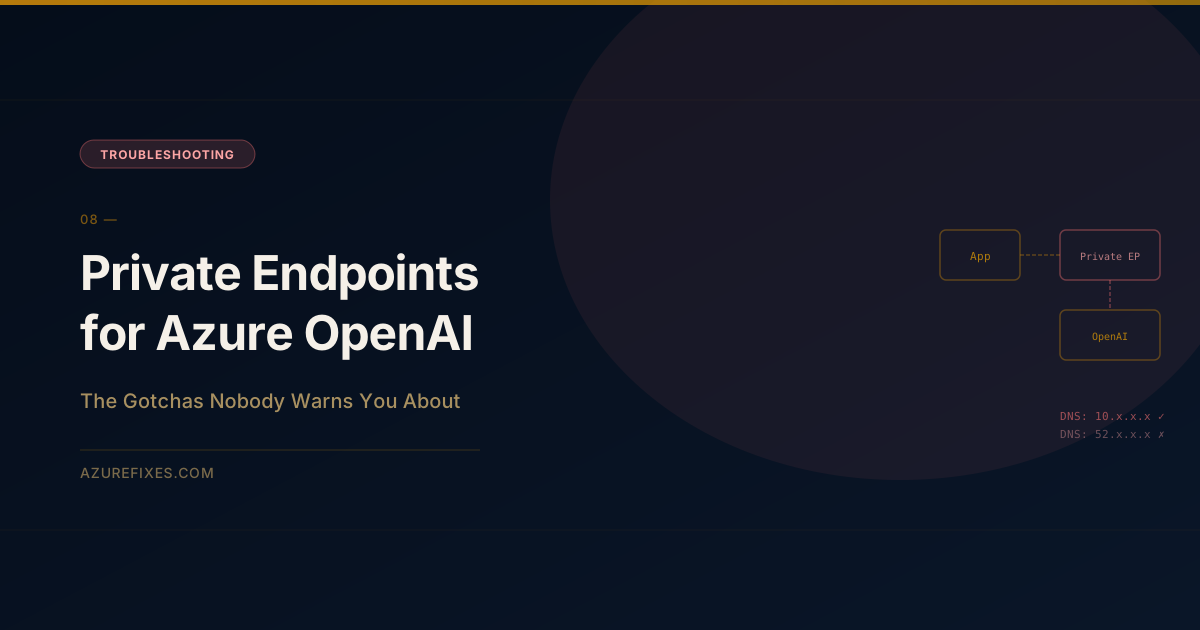
Private endpoints for Azure OpenAI look straightforward in the documentation.
Create the private endpoint. Associate it with your VNet. Traffic stays off the public internet.
In practice, four different failure modes await you — and each one surfaces a different (often misleading) error message. Here's what they are and how to fix each one.
The private endpoint gets a private IP (10.1.2.4) inside your VNet. The private DNS zone makes your resource FQDN resolve to that private IP instead of the public IP.
Without the DNS zone, your FQDN still resolves to the public IP, and traffic goes over the internet — even though the private endpoint exists.
Gotcha 1: DNS Resolves to the Wrong IP
Symptom: Connection works but traffic bypasses the private endpoint. No errors. You only notice when you check your NSG flow logs and see public internet traffic from your app.
Or worse: your policy blocks public internet egress and suddenly all OpenAI calls start failing with connection timeout — not a 401 or 404, just a timeout.
Diagnosis:
# From inside your VNet (use a debug pod or bastion VM)nslookup yourresource.openai.azure.com
# Good output:# Server: 168.63.129.16 (Azure DNS)# Address: yourresource.openai.azure.com.privatelink.openai.azure.com# Address: 10.1.2.4 ← private IP# Bad output:# Address: 52.x.x.x ← public IP = DNS not configured correctly
Fix:
# 1. Create the private DNS zone (must be this exact name)az network private-dns zone create \ --resource-group rg-networking \--name"privatelink.openai.azure.com"# 2. Link to ALL VNets that need access (hub AND spoke)az network private-dns link vnet create \ --resource-group rg-networking \ --zone-name "privatelink.openai.azure.com"\--name link-to-spoke-vnet \ --virtual-network /subscriptions/.../resourceGroups/rg-app/providers/Microsoft.Network/virtualNetworks/spoke-vnet \ --registration-enabled false# 3. Create DNS zone group (this auto-creates the A record)az network private-endpoint dns-zone-group create \ --resource-group rg-ai \ --endpoint-name pe-openai-eastus \--name dns-group \ --private-dns-zone "privatelink.openai.azure.com"\ --zone-name openai
The most common mistake: linking the DNS zone to the hub VNet but not the spoke. Spoke VNets access the DNS zone via VNet peering only if the peering has "Use remote virtual network's DNS servers" enabled.
Gotcha 2: App Service VNet Integration Doesn't Route All Traffic
Symptom: DNS resolves correctly (returns private IP). Direct connections from a VM in the VNet work. But your App Service still gets connection timeouts.
Root cause: App Service VNet Integration by default only routes private address ranges through the VNet. Traffic to Azure OpenAI private endpoints typically goes through the VNet, but there's a specific flag required.
Fix:
# Enable routing ALL outbound traffic through the VNetaz webapp config set\ --resource-group rg-app \--name your-app-service \ --generic-configurations '{"vnetRouteAllEnabled": true}'
Or in Bicep:
resource appService 'Microsoft.Web/sites@2022-09-01'={name:'your-app-service'properties:{siteConfig:{vnetRouteAllEnabled:true// Routes ALL outbound through VNet, not just RFC1918}}}
Without this, App Service may send Azure service traffic (like OpenAI) over its own network path instead of through your VNet.
Gotcha 3: NSG Blocks Port 443 to the Private Endpoint
Symptom: Everything else looks correct. DNS resolves to private IP. VNet routing is enabled. Still getting connection refused or timeout.
Diagnosis:
# Check NSG rules on the private endpoint subnetaz network nsg rule list \ --resource-group rg-networking \ --nsg-name nsg-private-endpoints \--output table
Fix: Private endpoints require an NSG rule allowing inbound 443 from your app subnet to the PE subnet. By default, private endpoint subnets have "network policies" disabled, which means NSG rules technically shouldn't apply — but they do if PrivateEndpointNetworkPolicies is set to Enabled on the subnet.
Check and fix:
# Check current settingaz network vnet subnet show \ --resource-group rg-networking \ --vnet-name hub-vnet \--name snet-private-endpoints \--query privateEndpointNetworkPolicies
# Should be "Disabled" for private endpoints to work# If it's "Enabled", change it:az network vnet subnet update \ --resource-group rg-networking \ --vnet-name hub-vnet \--name snet-private-endpoints \ --disable-private-endpoint-network-policies true
Gotcha 4: SDK Configured With Public Endpoint URL
Symptom: All networking looks correct. DNS resolves to private IP. Traffic flows. But authentication fails with a 401 or 403.
Root cause: Some SDK configurations explicitly specify the endpoint URL with the openai.azure.com domain, which the SDK then validates against the SSL certificate. If the certificate is issued to the public endpoint and you're connecting to a private IP... it can get confused.
More commonly: the SDK has OPENAI_API_BASE or AZURE_OPENAI_ENDPOINT set to the public URL, bypassing your private endpoint entirely.
Diagnosis:
import os
print(os.environ.get("AZURE_OPENAI_ENDPOINT"))# should be https://yourresource.openai.azure.comprint(os.environ.get("OPENAI_API_BASE"))# should NOT be set if using Azure SDK
Fix: Make sure your Azure OpenAI client uses the same FQDN as the private DNS zone covers:
from azure.identity import ManagedIdentityCredential
from openai import AzureOpenAI
client = AzureOpenAI( azure_endpoint="https://yourresource.openai.azure.com",# FQDN, not IP azure_ad_token_provider=lambda: ManagedIdentityCredential().get_token("https://cognitiveservices.azure.com/.default").token, api_version="2024-08-01-preview")
The FQDN (yourresource.openai.azure.com) resolves to your private IP via the DNS zone. SSL terminates correctly because the cert is for the FQDN, not the IP. Authentication goes through Entra ID as normal.
Diagnostic Checklist
Run through this in order before opening a support ticket:
# 1. Test DNS from inside the VNetnslookup yourresource.openai.azure.com
# Expected: private IP (10.x.x.x)# 2. Test connectivity to the private endpointcurl-k-v https://yourresource.openai.azure.com \--resolve yourresource.openai.azure.com:443:10.1.2.4
# Expected: SSL handshake success (404 is fine, 401 is fine — it means you connected)# 3. Check NSG flow logs on the PE subnetaz network watcher flow-log show \ --resource-group rg-networking \--nsg nsg-private-endpoints
# 4. Check App Service routingaz webapp show --resource-group rg-app --name your-app \--query siteConfig.vnetRouteAllEnabled
# Expected: true
If step 1 returns a public IP, fix DNS. If step 1 returns a private IP but step 2 fails, fix NSG or subnet policies. If step 2 succeeds but your app fails, fix SDK configuration.
Private endpoints for Azure OpenAI work reliably once configured correctly. The configuration is just not forgiving — every component must be right, or the whole chain breaks silently.