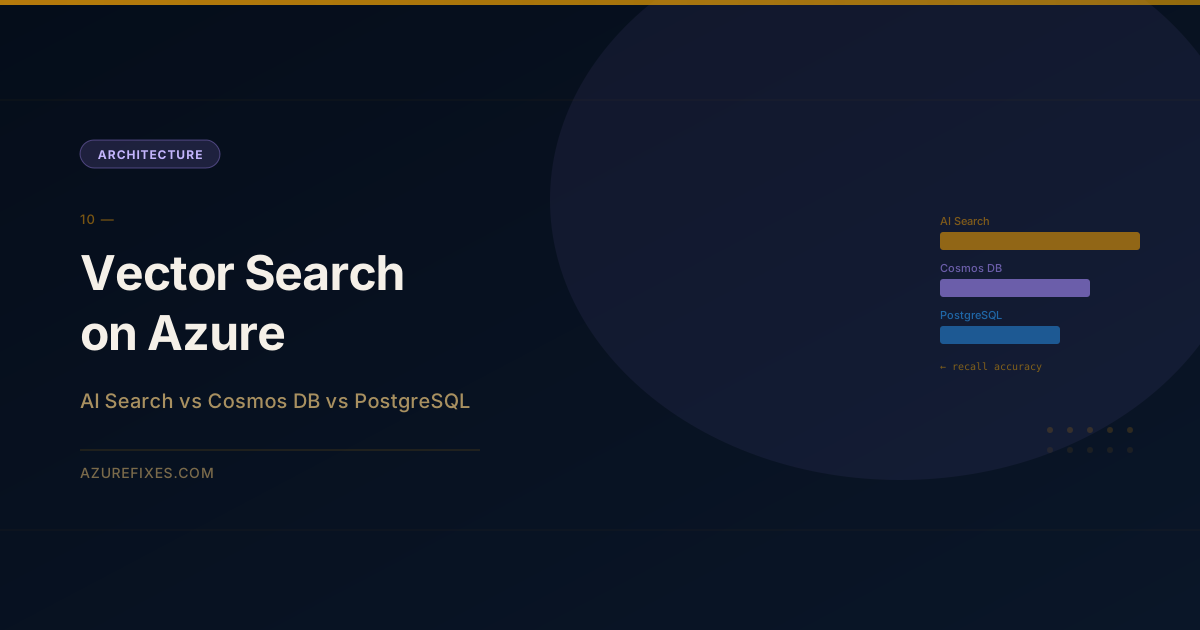
Vector search used to mean a specialized database.
In 2026, three mainstream Azure services all do it well: Azure AI Search, Cosmos DB for NoSQL, and Azure Database for PostgreSQL with pgvector. Each one is genuinely good. And each one is the wrong choice in specific situations.
Here's the breakdown.
Azure AI Search
Azure AI Search is a managed search service built specifically for information retrieval. Vector search was added as a first-class feature alongside its existing full-text search capabilities.
Architecture:
Documents └── Indexing pipeline
├── Text chunking
├── Embeddinggeneration(built-in skill) └── HNSW vector index
└── ANN search +BM25 keyword search
└── RRF fusion → ranked results
Key strengths:
Hybrid search (vector + keyword + semantic re-ranking) in a single query
Integrated indexing pipelines with built-in AI enrichment skills
Mature filtering, faceting, and scoring profiles
Built for retrieval, not for storing application data
Cost: Standard tier S1 starts at ~$250/month for one search unit. Storage and query costs scale with usage.
When to choose AI Search:
Your use case is retrieval-first (RAG, enterprise search, knowledge base)
You need hybrid search (exact + semantic)
You need indexing pipelines with enrichment (OCR, translation, entity extraction)
Search recall and ranking quality are the primary requirements
Cosmos DB for NoSQL with Vector Search
Cosmos DB added DiskANN-based vector search as an integrated feature. Your documents and their embeddings live in the same database you're already using for application data.
from azure.cosmos import CosmosClient, PartitionKey
from azure.cosmos.models import VectorEmbeddingPolicy, VectorIndex
client = CosmosClient(url=endpoint, credential=credential)db = client.get_database_client("my-database")container = db.create_container(id="documents-with-vectors", partition_key=PartitionKey(path="/category"), vector_embedding_policy={"vectorEmbeddings":[{"path":"/content_vector","dataType":"float32","distanceFunction":"cosine","dimensions":1536}]}, indexing_policy={"vectorIndexes":[{"path":"/content_vector","type":"diskANN"# or "flat" for small datasets}]})
Querying:
query ="""
SELECT TOP 5 c.id, c.content, VectorDistance(c.content_vector, @query_vector) AS score
FROM c
WHERE c.category = 'technical'
ORDER BY VectorDistance(c.content_vector, @query_vector)
"""results = container.query_items( query=query, parameters=[{"name":"@query_vector","value": query_embedding}], enable_cross_partition_query=True)
Cost: Standard provisioned: starts at 400 RU/s (~$23/month). Vector search operations consume additional RUs. Total cost varies widely with document size and query volume.
When to choose Cosmos DB:
You're already using Cosmos DB for application data (avoid a second service)
You need global distribution with multi-master writes
You need to combine vector search with transactional workloads
Limitations: No hybrid search (vector only). No full-text BM25 scoring. Not designed for search-first workloads.
Azure Database for PostgreSQL with pgvector
pgvector is a PostgreSQL extension that adds vector similarity search directly inside your relational database.
Setup:
-- Enable extensionCREATE EXTENSION IFNOTEXISTS vector;-- Add vector column to existing tableALTERTABLE documents ADDCOLUMN content_vector vector(1536);-- Create HNSW index for fast ANN searchCREATEINDEXON documents USING hnsw (content_vector vector_cosine_ops)WITH(m =16, ef_construction =64);
Querying with hybrid search (pgvector + full-text):
-- Pure vector searchSELECT id, content, content_vector <=>'[0.1, 0.2, ...]'::vector AS distance
FROM documents
ORDERBY distance
LIMIT10;-- Hybrid: combine vector and keyword rankingWITH vector_results AS(SELECT id, RANK()OVER(ORDERBY content_vector <=> $1)AS vec_rank
FROM documents
ORDERBY content_vector <=> $1LIMIT50),keyword_results AS(SELECT id, RANK()OVER(ORDERBY ts_rank(to_tsvector('english', content), plainto_tsquery($2))DESC)AS kw_rank
FROM documents
WHERE to_tsvector('english', content) @@ plainto_tsquery($2)LIMIT50)SELECT d.id, d.content,1.0/(60+COALESCE(v.vec_rank,1000))+1.0/(60+COALESCE(k.kw_rank,1000))AS rrf_score
FROM documents d
LEFTJOIN vector_results v ON d.id = v.id
LEFTJOIN keyword_results k ON d.id = k.id
WHERE v.id ISNOTNULLOR k.id ISNOTNULLORDERBY rrf_score DESCLIMIT10;
Cost: Flexible Server: starts at ~$25/month for the smallest instance. Vector index storage is within normal PostgreSQL storage costs.
When to choose PostgreSQL + pgvector:
Your team is SQL-native and already uses PostgreSQL
You want to co-locate vectors with relational data in a relational model
You need transactional consistency between application data and embeddings
Lower cost is a priority (no additional search service)
Limitations: Index tuning requires PostgreSQL expertise. Performance degrades without proper HNSW tuning at larger scales. Operational complexity of managing a database for search.
Performance Comparison
Results from internal benchmarks on ~1M vectors (1536-dim, cosine similarity, p95 at 10 QPS):
Service
P50 latency
P95 latency
Recall@10
Monthly cost estimate
AI Search (Standard S1)
18ms
45ms
97%
~$270
Cosmos DB (DiskANN)
22ms
60ms
95%
~$80–200
PostgreSQL pgvector (HNSW)
35ms
110ms
94%
~$50–150
Note: costs are approximate and depend heavily on your query volume, document count, and configuration.
Decision Matrix
Use Case
Recommended
Runner-up
RAG / enterprise knowledge base
AI Search
PostgreSQL + pgvector
Existing Cosmos DB users
Cosmos DB
AI Search
SQL-first teams, lower budget
PostgreSQL + pgvector
Cosmos DB
Global distribution + vectors
Cosmos DB
—
Hybrid search quality
AI Search
PostgreSQL (with RRF query)
Transactional + vector mixed
PostgreSQL
Cosmos DB
The Short Answer
If retrieval quality is your primary concern: Azure AI Search. Hybrid search and semantic ranking make a measurable difference in RAG quality.
If you're already on Cosmos DB: Stay there. Adding DiskANN to an existing container is trivial and avoids managing another service.
If your team lives in SQL: PostgreSQL + pgvector. The operational model is familiar, the cost is lower, and hybrid search is achievable with RRF queries.
Avoid mixing services unnecessarily. The best vector database is usually the one your team already operates confidently.